Now in beta
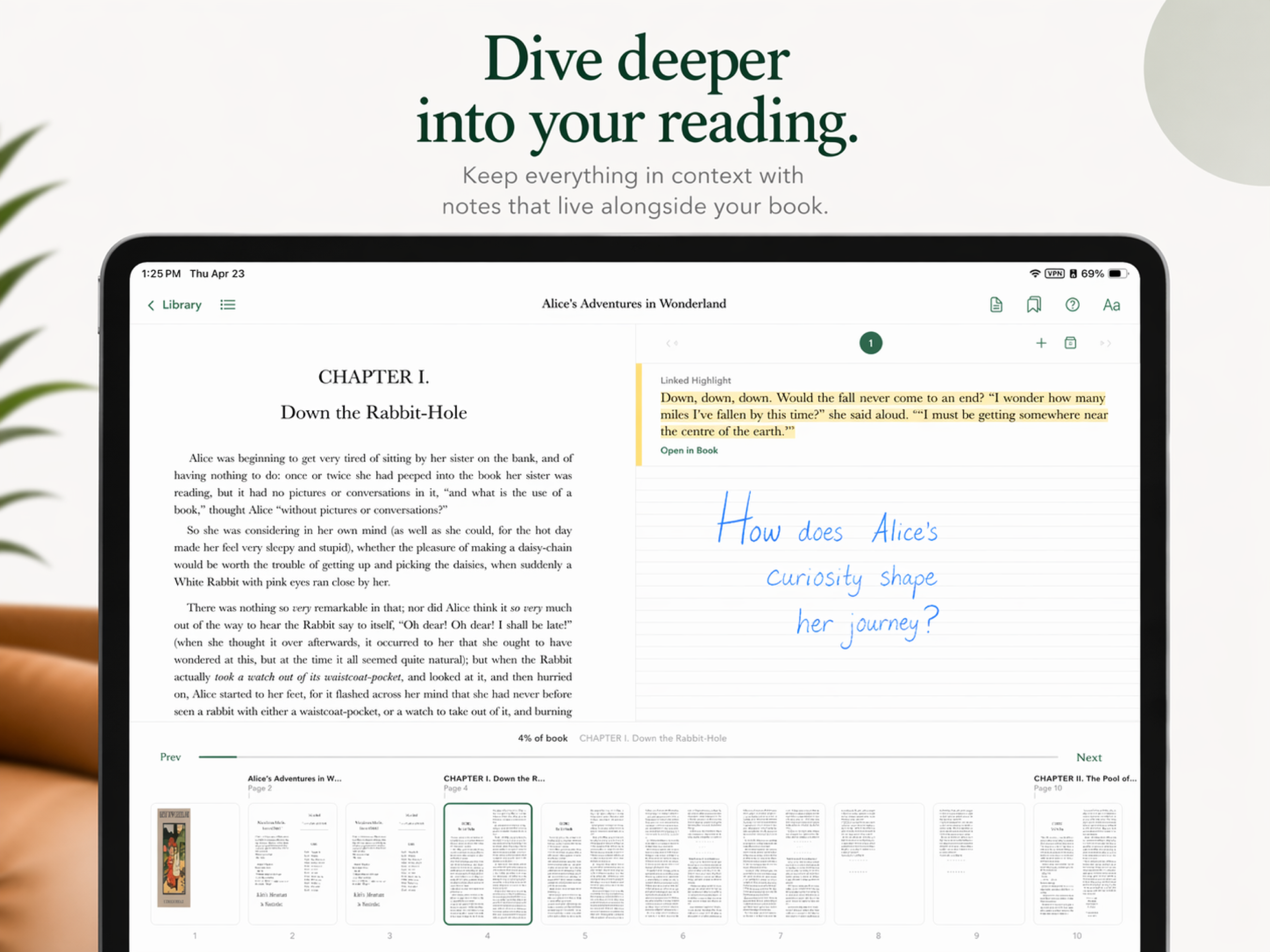
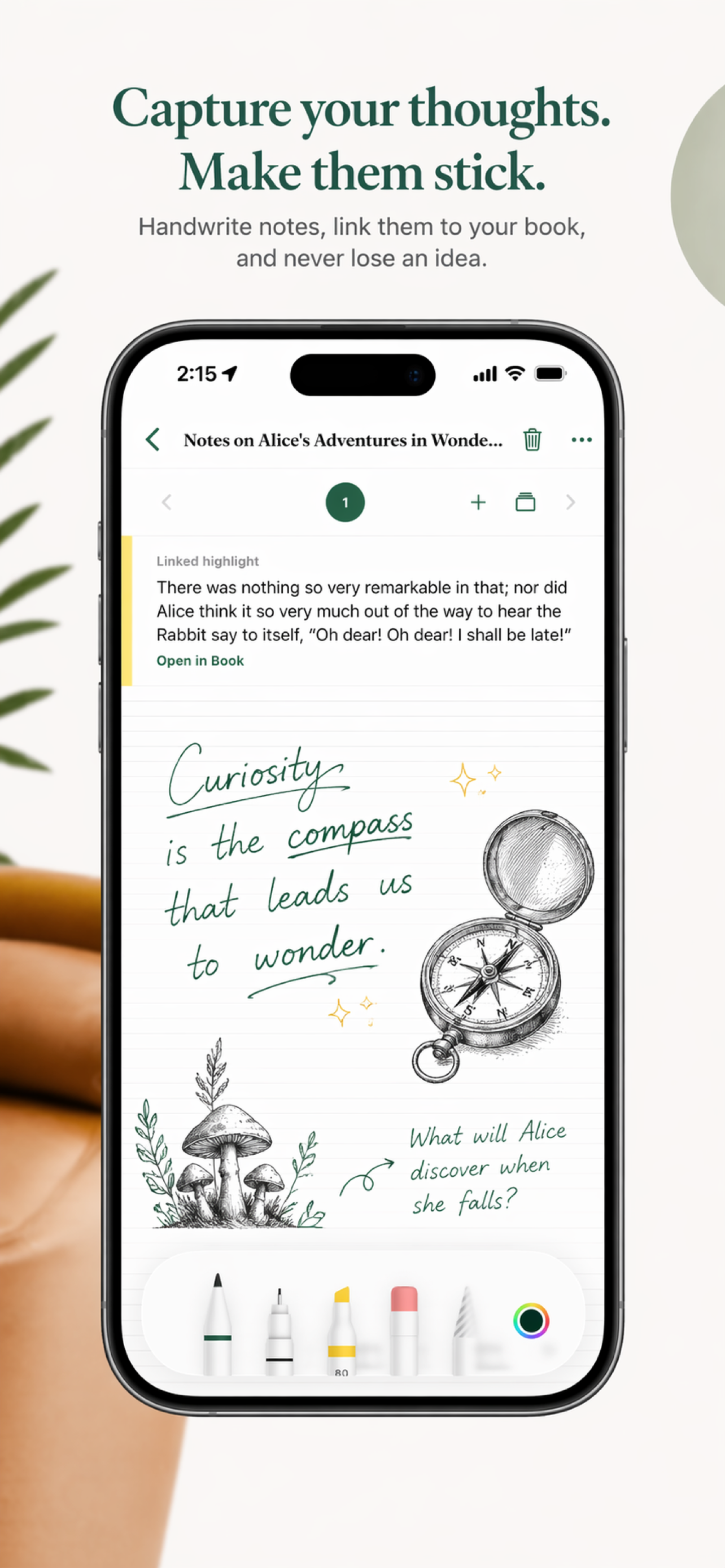
An EPUB reader for iPad and Android e-ink. Highlight a passage, attach a handwritten note, and tap to move between the two.
Read your books.
Take notes by hand.
 LUMEN
LUMENA reader and a notebook,
in one place.
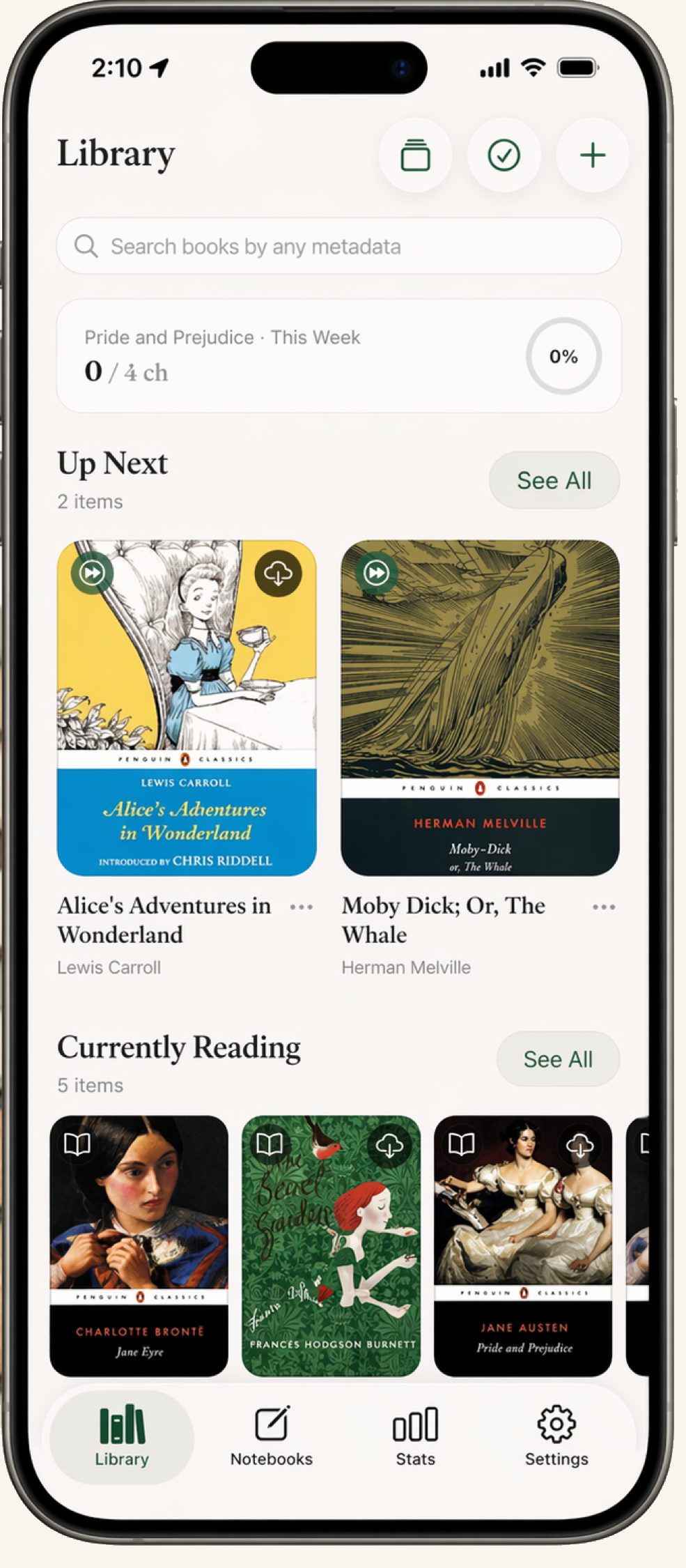
Most setups split the two: you read in one app and keep handwritten notes in another, and the link between them is lost. Lumen keeps them together — highlight a passage as you read, then write your thoughts by hand in a note that stays linked to it.
Free
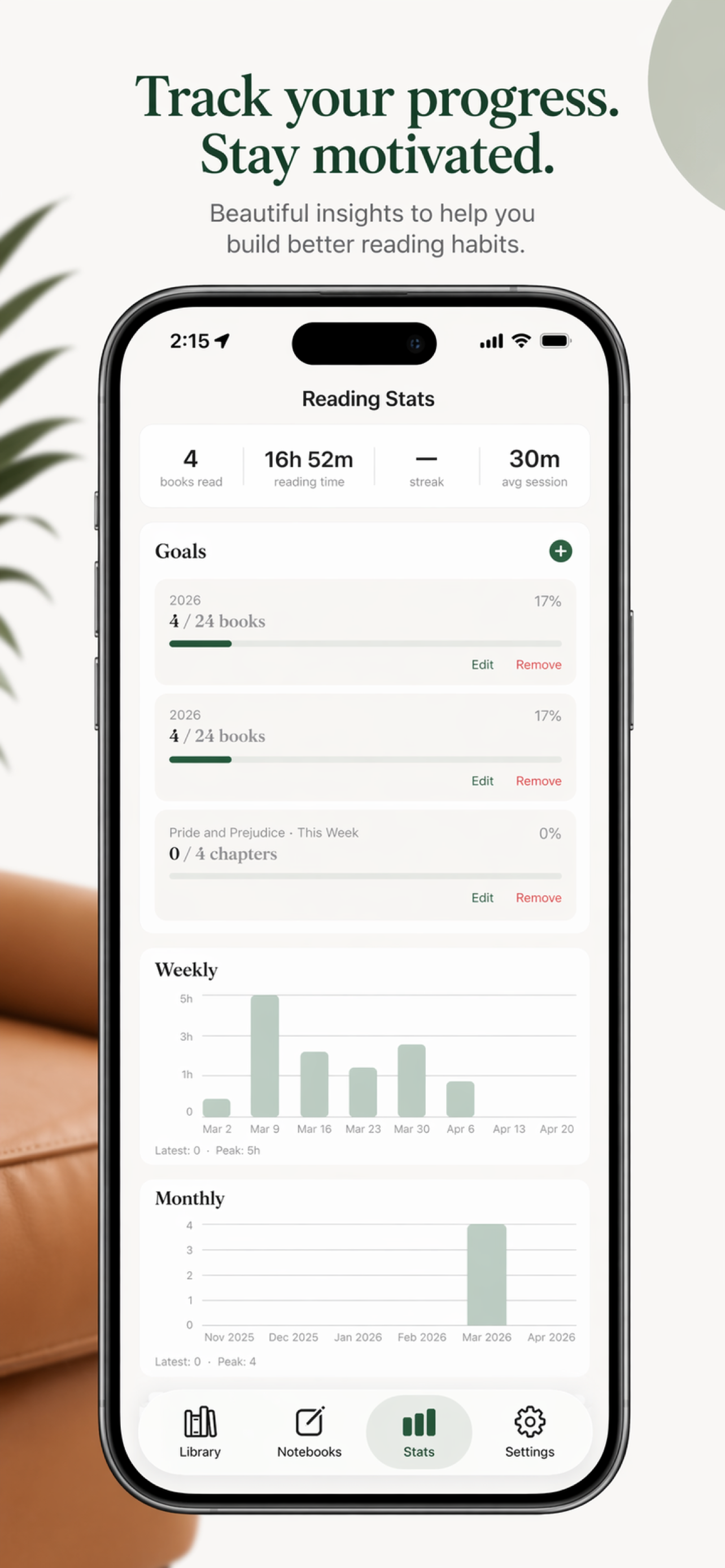
Free during the beta, with optional paid sync.
Highlight it now,
write it out by hand.
Read on iPad or e-ink and highlight anything worth keeping. Attach a handwritten note to a highlight and it stays linked to that passage — tap either one to jump to the other. Type size, spacing, and light, sepia, and night themes are there too, tuned for long sessions.
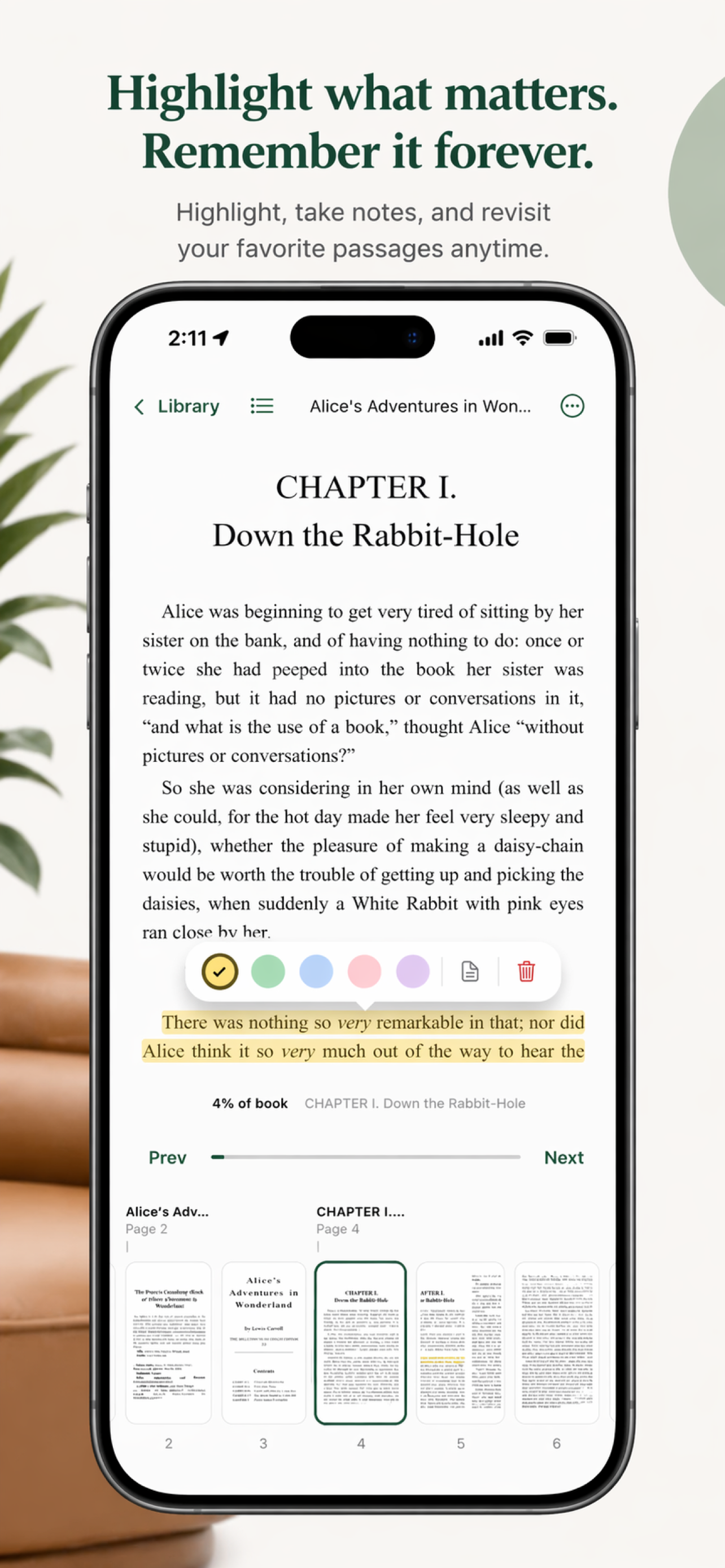
Everything you marked,
in one place.
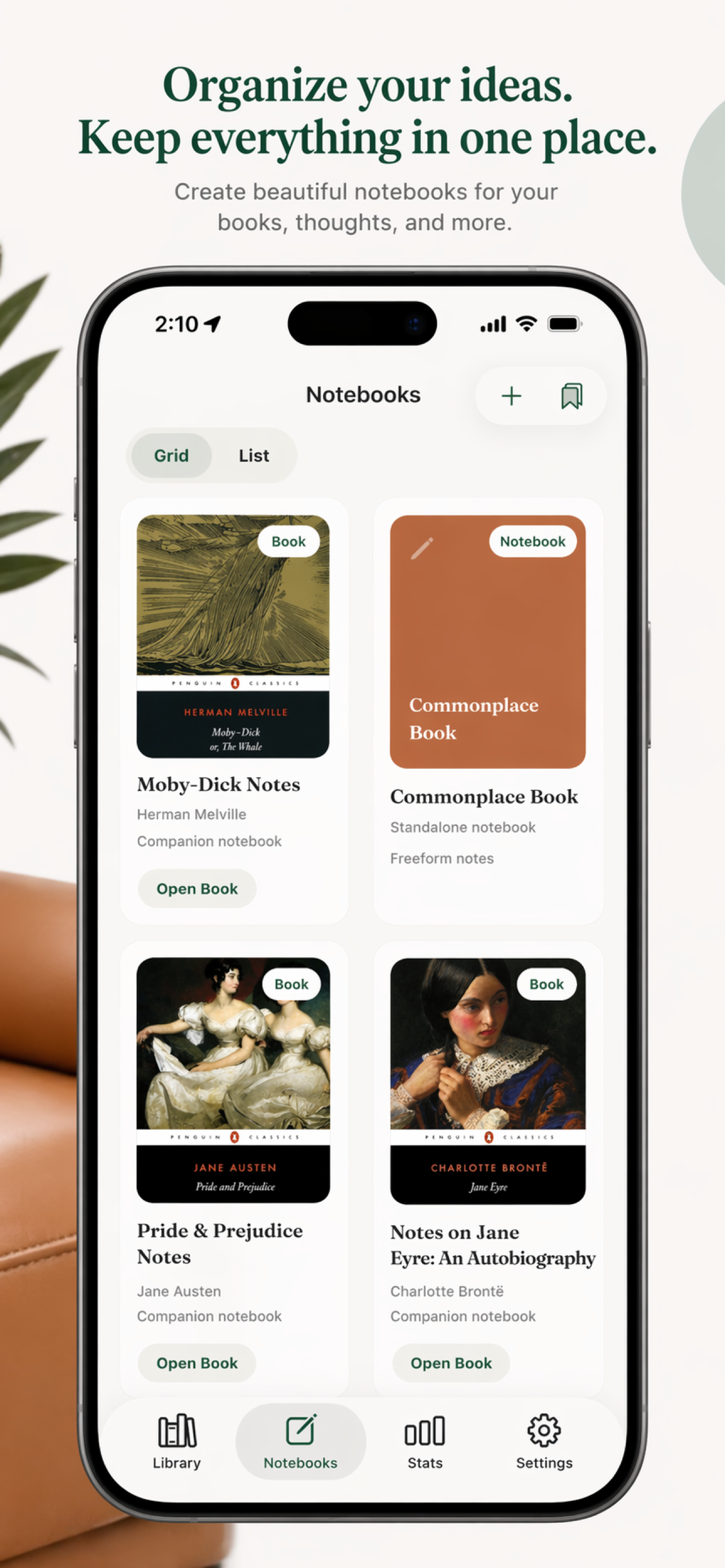
Notebooks, right next
to your books.
Start a blank, ruled, dotted, or grid notebook whenever you need one — for a lecture, a sketch, or working a problem out by hand. They live in the same library as your reading, so your books and your notes are never more than a tap apart.
Ruled — lecture notes
∞ pages
Dotted — sketching a chapter out
Grid — diagrams
03 / 04
Your library, on
every device.
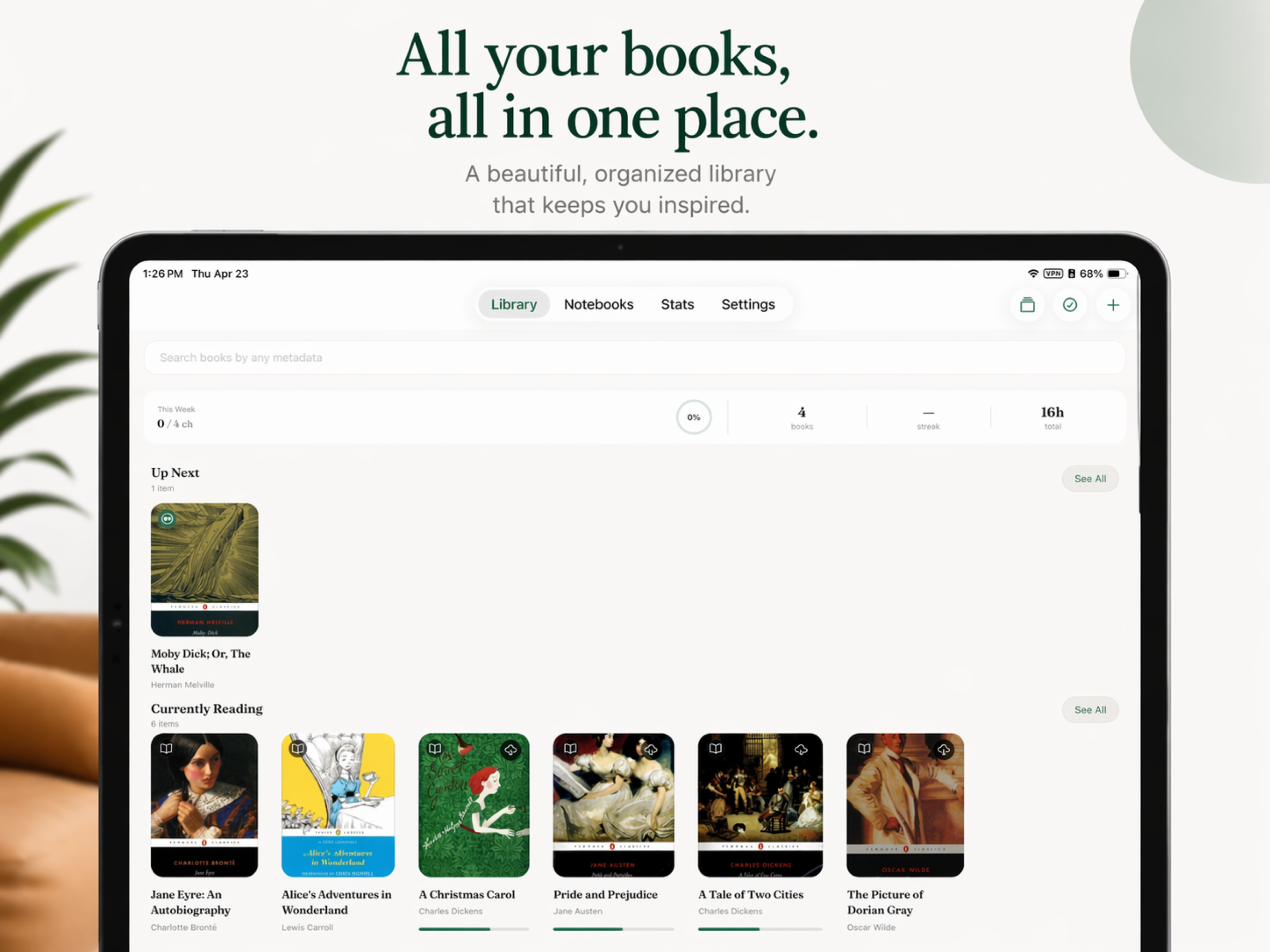
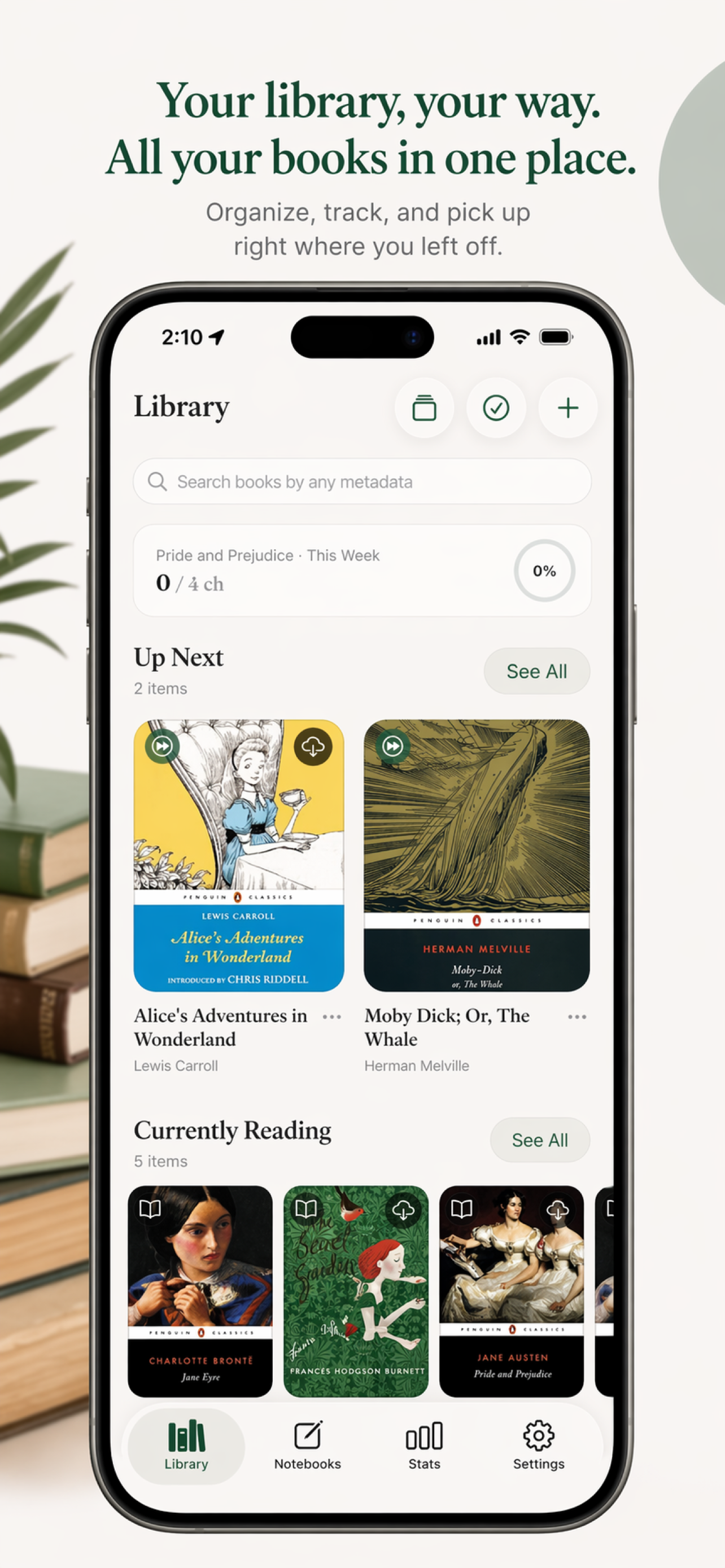
Read on iPad in the evening, pick up on your phone in the morning, or continue on Android and e-ink. Progress, notes, and notebooks sync across devices through Supabase when an account is used.
Made for
iPad + Android e-ink readers
Formats
Import your own EPUB files
Notes
Handwritten, anchored to the text
Privacy
No account required for local-only use; optional account sync is available